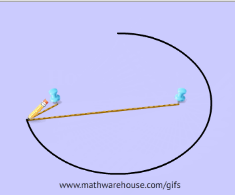
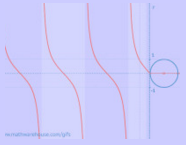
**Interactive equation of a circle. Click and drag to see equation in action!


A+    A−    B  
Home
Algebra
Math Games
  • Decimals in Space
  • Fraction Balls
  • Integers in Space
  • Math Man
  • Number Balls
  • Geometry
    Interactive
    Trigonometry
    Jobs
  • Tutoring jobs
  • New York Tutoring Jobs
  • White Plains, NY
  • Westchester County, NY
  • Chicago Math Jobs
  • Philadelphia
  • Teacher Resources
    On FaceBook!

    Tween A Movie Clip

      Steps to Creating A Motion Tween with a movie clip on the main time line
    • Step 1) Have a movie clip on the main timeline. I have a purple oval

      Step 2) Add several frames to the top, let’s add 10 frame.

      Step 3) Right click on frame 10 and select convert to keyframe
    • Step 4) Click on the movie clip (oval) then go to the bottom in the "properties" tab (Ctrl + F3 opens & closes property inspector) and select what property you want to change with a tween. This example will change the tint property
    • Step 5) Change the tint or other property.
    • At this point we have a purple oval on frame 1 and a olive green oval on frame 10. Now all that we need to do is create a motion tween to have the oval gradually fade from the purple to the olive. To create the motion tween, Right Click on frame 1 in the timeline and select 'create motion tween'. and you're done!


    • The arrow in the timeline represents the motion tween that you created
    Below is the finished product

    Top