


Graphing
Calculator
Math
Worksheets
Scientific
Calculator
Chart
Maker


Home
Graphing Calc
Algebra
Fun Games
Geometry
Interactive
Trigonometry
Scientific Calc
Home
Graphing Calc
Algebra
Fun Games
Geometry
Interactive
Trigonometry
Scientific Calc

Greenfoot Lab

Making objects Move and Interact

    Create a class called Walker() that is subclass of Actor
  • Create a Class called Rock() (and use the rock image supplied by Greenfoot)
    • A rock should not do anytning except sit there
  • A walker should randomly walk around the grounds.
    • However, if a walker approaches a Rock it should try to walk around the rock

How to tell if you are next to an object

getOneObjectAtOffset(dx,dy, Name.Class); This tries to find an object that is dx to the side or dy above/below your object
             Actor Rock = getOneObjectAtOffset(1, 0, Rock.class);
             if(Rock != null)
                System.out.println("rock is to the right ");
             
             Actor Rock2 = getOneObjectAtOffset(0, 1, Rock.class);
             if(Rock2 != null)
                System.out.println("rock is below");

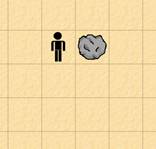
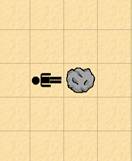
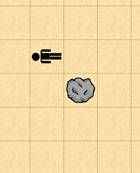
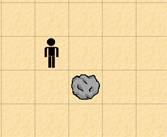
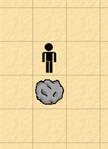
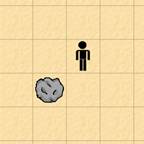
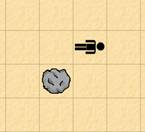
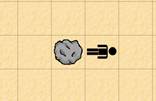
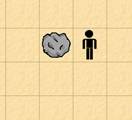
The picture below illustartes how a Class named Car() could find out that there is a Rock() to its right.